
Here are the recommended story themes for the 2026 edition of the Youth Climate Report. All climate stories are invited to participate, but these story ideas are recommended by the United Nations for this year’s climate summit.
Tip Sheets
Even if you have no experience shooting video or interviewing people, you can still participate in the Youth Climate Report. Simply follow the tips on interviewing and shooting we have provided below. And for those wanting to create their own Geo-Doc project, we have also provided a step-by-step guide below. Google MyMaps is suggested in this guide as it is relatively user-friendly and open access, but any GIS software can be used.
Geo-Doc Creation Instructions for Educators:
The following is a step-by-step guide to creating a Geo-Doc using the open-source software provided by Google called MyMaps. Any GIS software will work, but for educators, the MyMaps software is not only free for students and their institution but also a relatively easy entry-level introduction to GIS technology and design. This software is also video-friendly with direct embedding capabilities for YouTube.
Interview Tips:
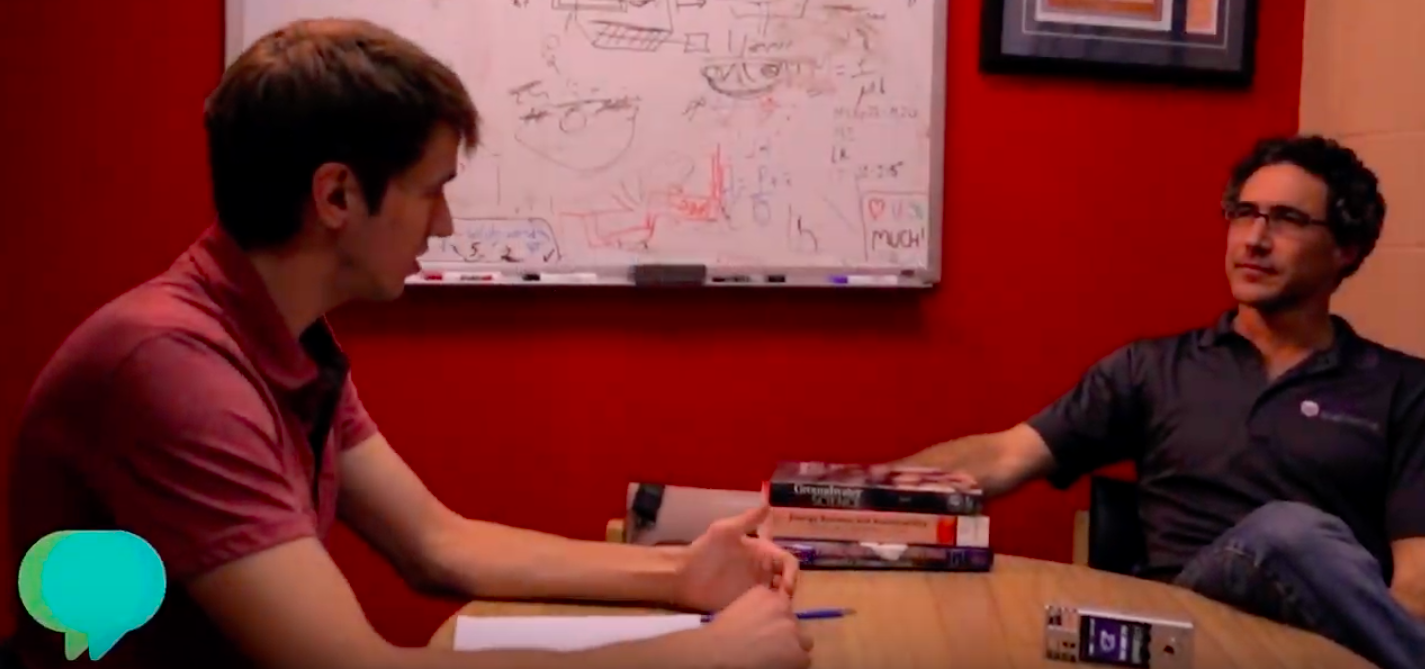
1. At the beginning of your interview, ask the interview subject to state their name and spell it (our editor will need to know the correct spelling).
2. Ask them to state their title or profession and where they work (e.g. Climatologist, University of Cambridge).
3. Ask them what new climate discoveries they have made that they feel delegates attending the climate change conference should know.
4. If you don’t understand what they say, ask them to explain to you – remember, policy-makers aren’t necessarily scientists and they will need explanations too.
5. Ask them what they believe is the greatest climate change crisis facing the world today.
6. Ask them if they have an idea how we can correct this problem or protect ourselves from its dangers.
7. Ask them to provide a message aimed directly at delegates and policymakers.
Camera Tips:
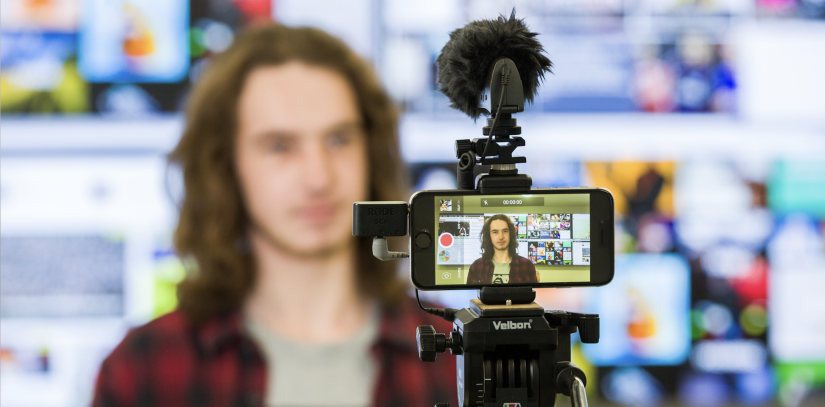
1. Position the camera on a tripod or similar stationary support (like a stack of books).
2. Frame the shot so the interview subject is seen from the top of his or her head down to the chest.
3. The interview subject should appear at one side of the frame (left or right). Be sure there is something interesting to look at in the empty space beside them (bookcase, computer, map, art, etc.).
4. Do not place your interview subject in front of a window.
5. Do not place your interview subject in front of a blank wall.
6. Place a remote microphone on the lapel or shirt of the interview subject for best sound results.
7. If you cannot get a remote microphone, get the camera and its mike as close as possible. Remember, preference will be given to those videos with the best production value (and sound quality is more important than picture quality).
8. Make sure the room and surrounding area is as quiet as possible! Email us the interview subject’s name, title and affiliation or organization along with your video upload.

